
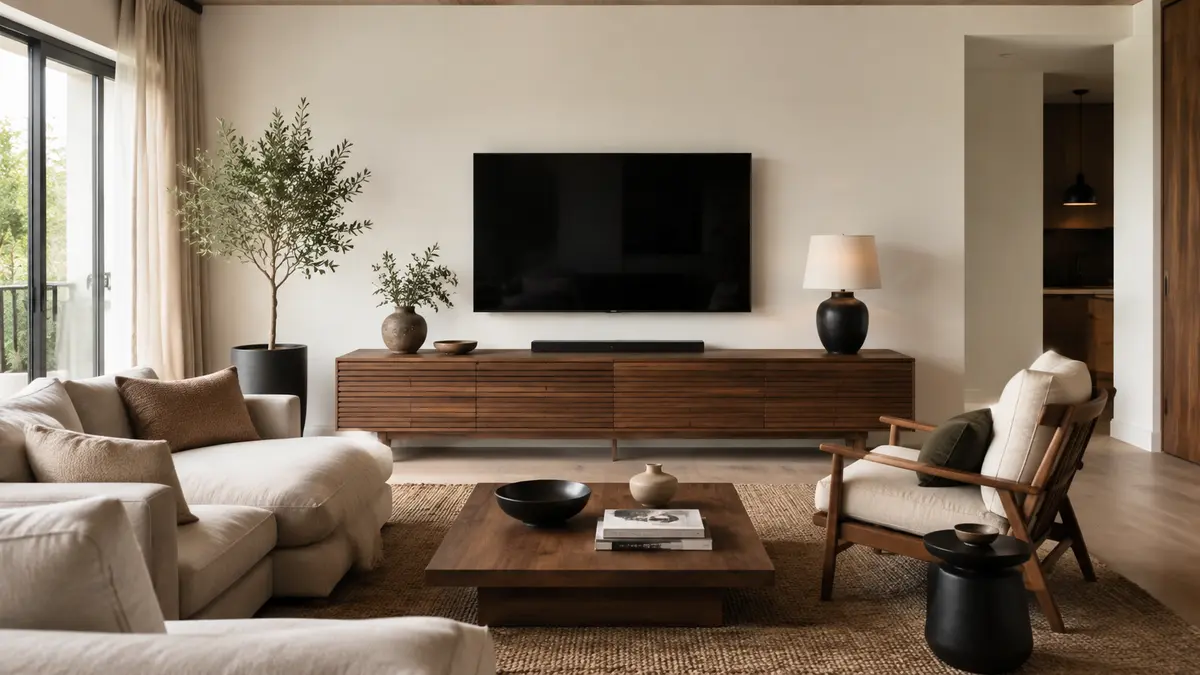
A television unit should support the screen, conceal equipment safely and fit the room without creating a heavy wall of furniture. This guide explains how to choose a TV unit using television size, viewing height, ventilation, storage and proportion.
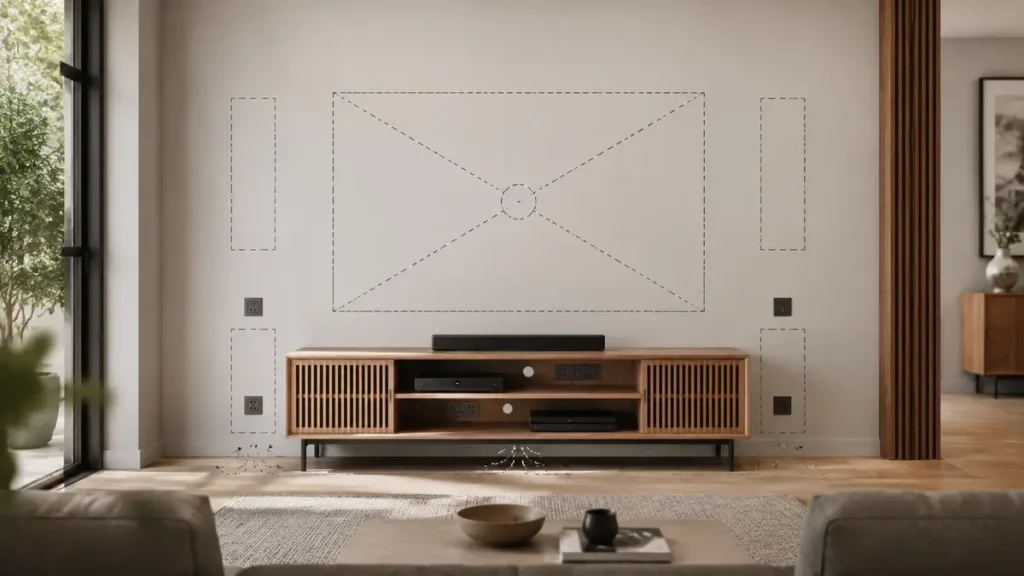
How to Choose a TV Unit for the Correct Viewing Height
Understanding how to choose a TV unit begins with the television’s actual width and the height of the viewer’s eyes when seated. Do not select the unit using screen size alone, because television measurements are stated diagonally. The unit should normally be wider than the television so the arrangement looks balanced and leaves space for accessories.
When deciding how to choose a TV unit, check that the screen centre will remain at a comfortable viewing height from your usual sofa or chair. Also allow ventilation around electronic equipment and confirm that shelves are deep enough for routers, gaming consoles and media devices. Cable openings will keep wires organized and prevent them from being tightly bent behind the furniture.
Finally, consider storage, cleaning access and the available walking space. Knowing how to choose a TV unit using these practical measurements produces a safer, more comfortable and visually balanced television area.
Confirm Television Dimensions
Screen size is measured diagonally, but the unit must relate to the television’s actual width. Record the full width, height, stand position and weight. Check whether the screen will stand on the unit or mount above it.
Table of Contents
Choose a Visually Stable Width
A unit wider than the television generally creates a balanced base and leaves room for equipment. Avoid a narrow cabinet that makes the screen look top-heavy. Also leave comfortable space from doorways and corners.
Set Comfortable Screen Height
Base the screen centre on the seated eye level of regular users. Mounting very high above decorative furniture can strain the neck. Test the position from the main sofa before drilling.

Plan Equipment and Ventilation
List routers, receivers, consoles, speakers and power strips. Confirm shelf dimensions, cable openings and airflow. Equipment should not be sealed in a hot cabinet or forced into shallow shelves.
Choose Open or Closed Storage
Open shelves provide access but expose cables and dust. Closed doors create a calm appearance; remote signals and ventilation may require suitable fronts or internal repeaters. Drawers work well for controllers and small accessories.
Freestanding, Floating or Built-In
- Freestanding: Flexible and easiest to replace.
- Floating: Keeps floor visible but needs a suitable wall and secure installation.
- Built-in: Offers maximum integration but must allow future screen and equipment changes.
Coordinate Materials
Relate the unit to flooring, tables or door finishes without matching everything exactly. A visually heavy dark unit needs balance from the wall colour and surrounding furniture.
Common TV-Unit Mistakes
- Choosing a cabinet narrower than the screen
- Mounting the television too high
- Ignoring ventilation and cable access
- Forgetting router or game-console dimensions
- Building tightly around the current television with no upgrade allowance
Helpful Shopping Links
Affiliate disclosure: As an Amazon Associate, Djeema Furniture Guide earns from qualifying purchases. If you buy through these links, we may earn a commission at no additional cost to you.
For complete furniture planning, read our guide on how to furnish a new home.
Final Thoughts
Choose a TV unit as part of the viewing system. Correct width, screen height, equipment space, airflow and cable management produce a safer and calmer result.